
 Join our Discord
A modern, configurable weapon licensing system for FiveM.
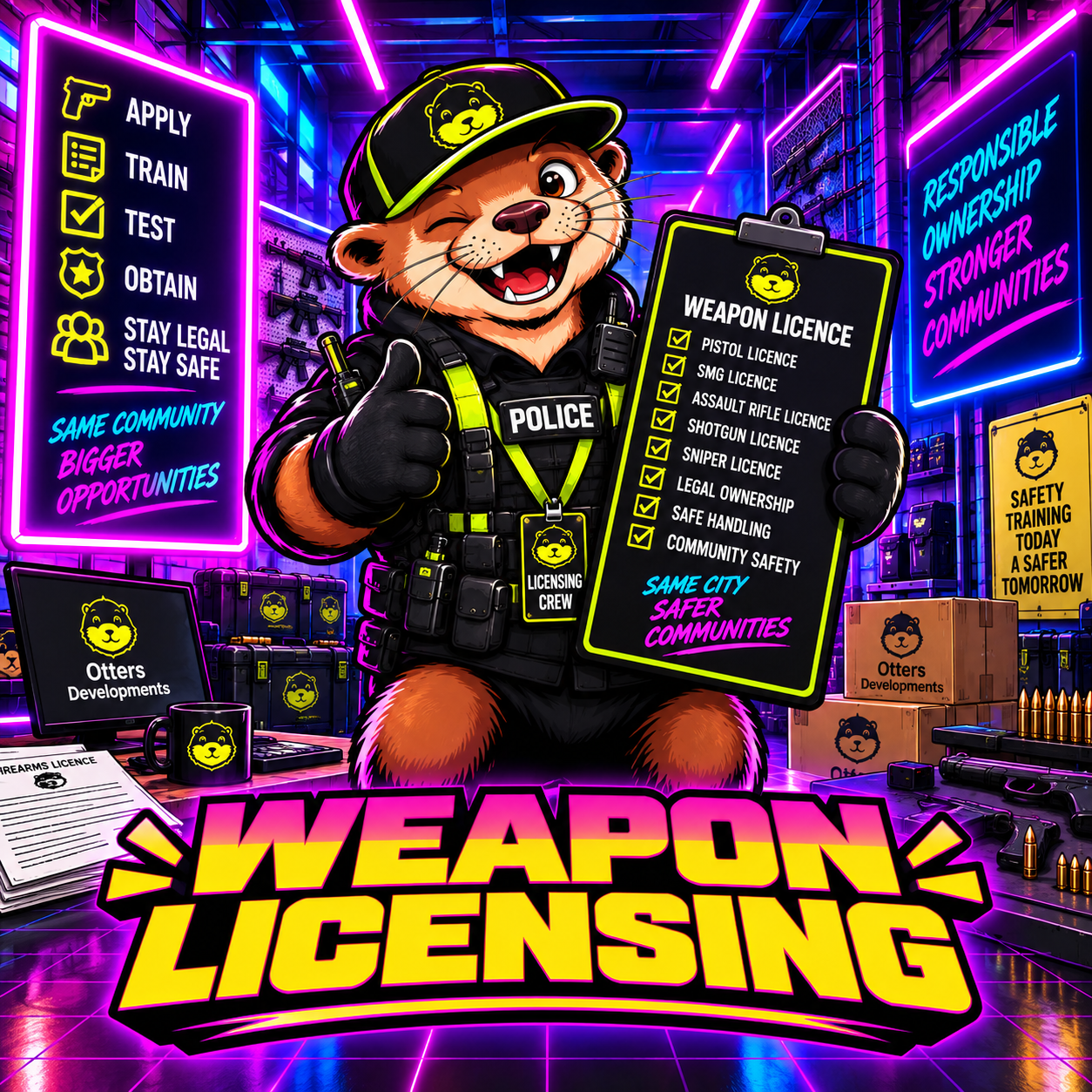
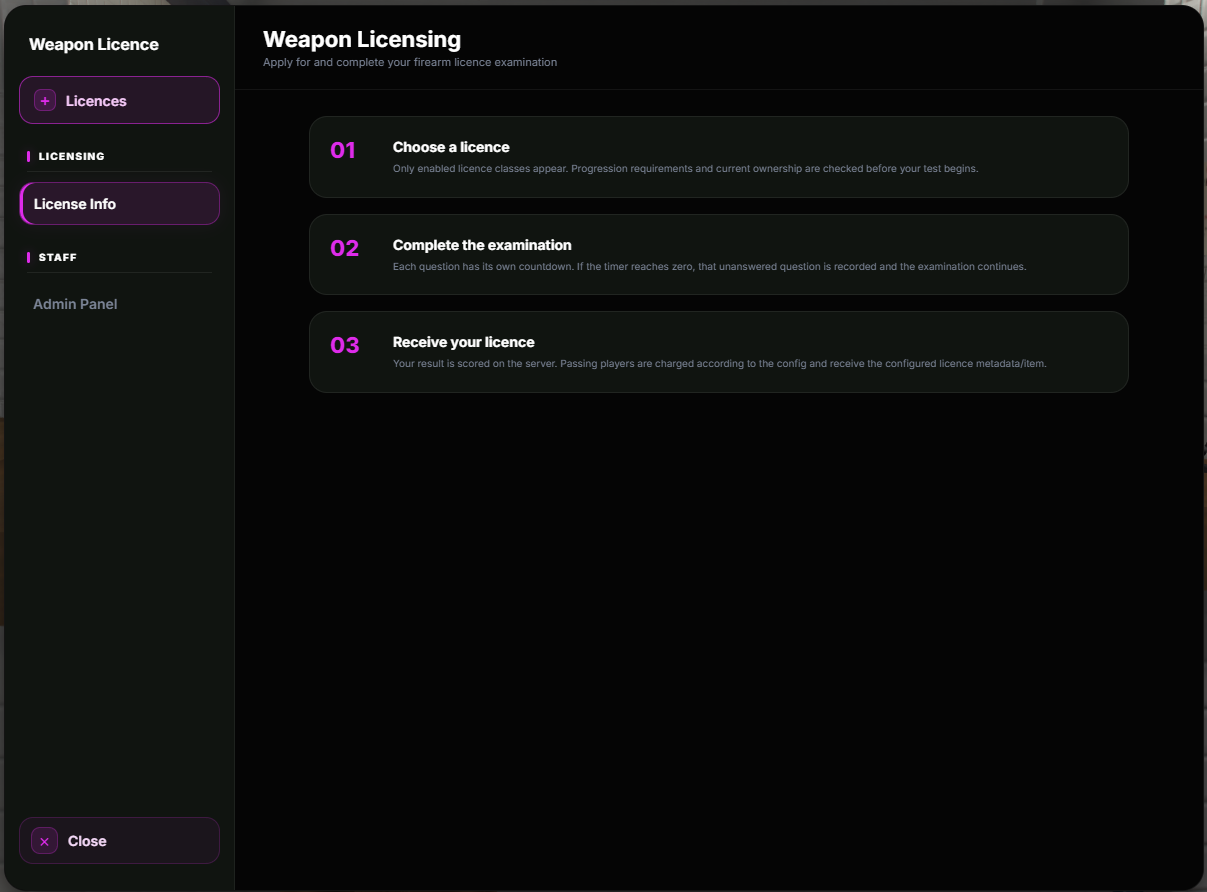
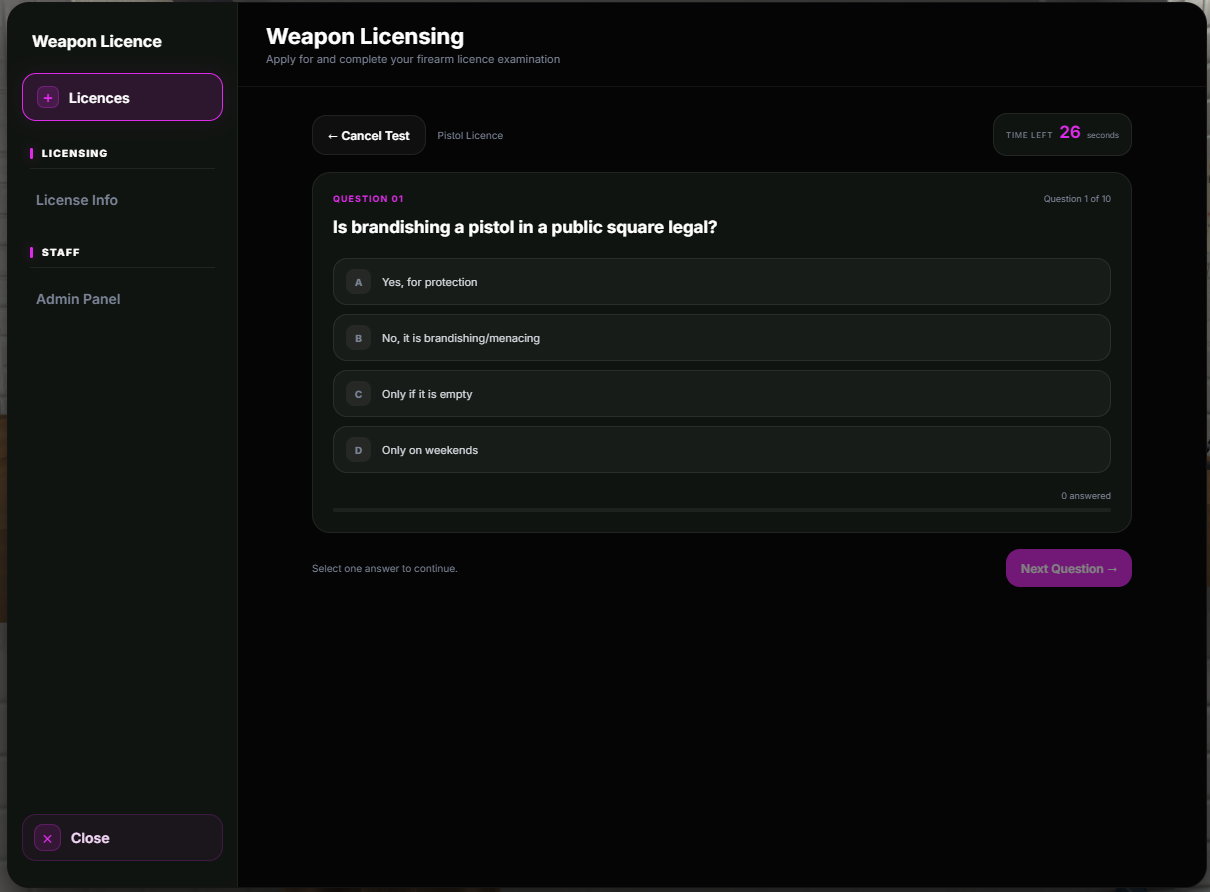
Otters Weapon Licensing gives your players a complete way to apply for weapon licences through an interactive NPC, take a configurable theory test and receive the correct licence when they pass.
Create multiple weapon licensing locations across your server, configure different licence classes, prices, requirements and questions, and control staff access through ACE permissions.
Perfect for police departments, government buildings, city halls, firearm licensing centres, roleplay servers and any server that wants weapon ownership to feel more structured and controlled.
Features
Modern custom weapon licensing UI
QBCore, Qbox & ESX support
Multiple configurable licensing locations
Multiple configurable NPCs
Configurable ped models & scenarios
Configurable interaction distance
ox_target support
qb-target support
Built-in Press E fallback
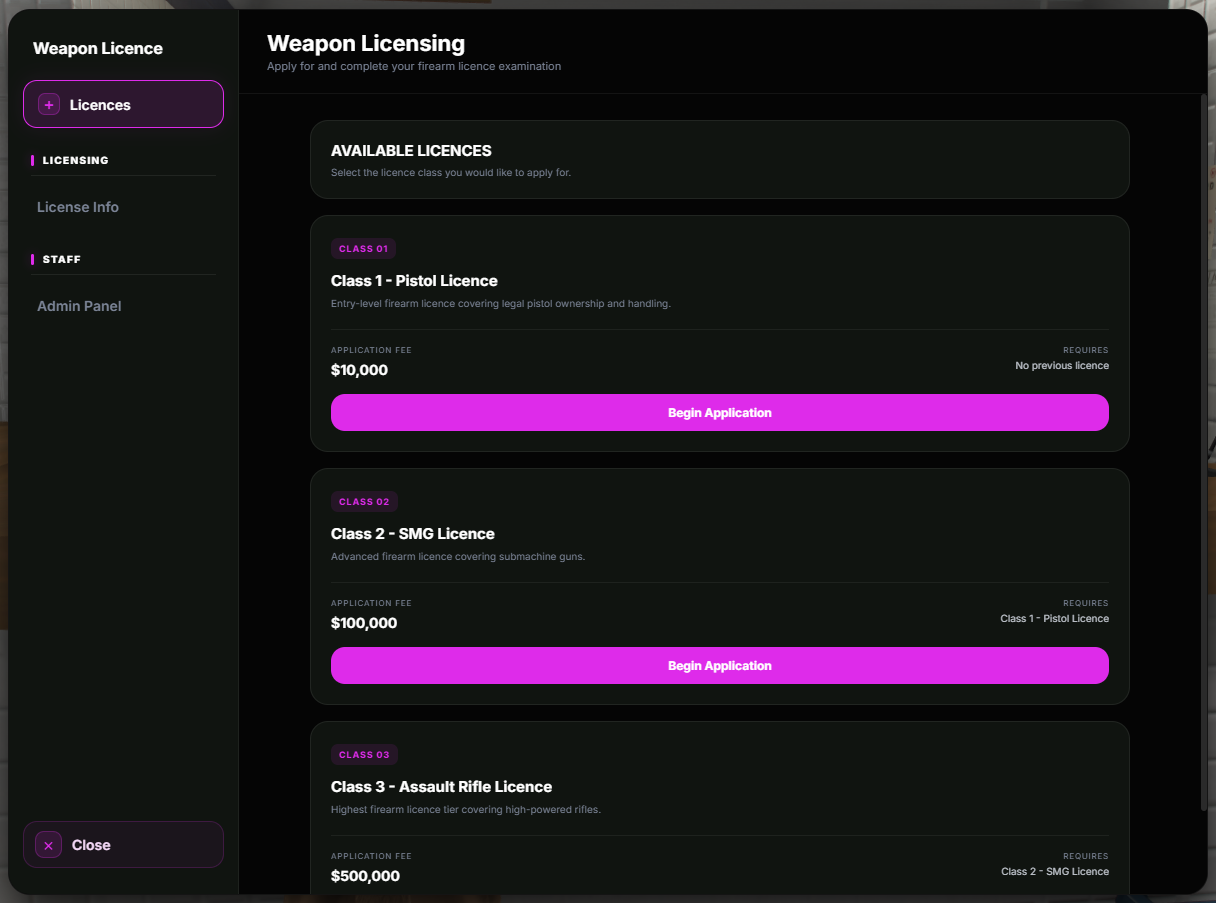
Multiple weapon licence classes
Licence progression requirements
Configurable licence prices
Configurable licence items
Configurable theory questions
Randomised question order
Configurable question timer
Configurable pass requirement
Server-side test validation
Server-side licence handling
Criminal record checking
Multiple criminal record integrations
Qbox/QBCore metadata support
PS-MDT support
LB Tablet support
Custom SQL criminal record support
Optional criminal record checking
Admin Panel
Staff licence management
Grant licences
Revoke licences
Online player management
ACE permission protection
Discord webhook logging
Otters Notifications support
ox_lib notification fallback
Configurable notification settings
Configurable UI theme
Automatic framework detection
Asset Escrow ready
Multiple Weapon Licensing Locations
Otters Weapon Licensing isn't limited to one police station.
Create multiple licensing NPCs across your server from the same resource.
For example:
Mission Row Police Department • City Hall • Sheriff's Office • Government Building • Firearms Licensing Centre
Each location can use its own:
Ped Model • Coordinates • Heading • Scenario
This makes it easy to place weapon licensing services wherever they make sense for your server.
Multiple Weapon Licence Classes
Create different levels of weapon licences with their own requirements and pricing.
The included setup supports:
Class 1 – Pistol Licence
Class 2 – SMG Licence
Class 3 – Assault Rifle Licence
Each licence can have its own:
Name • Description • Price • Required Previous Licence • Physical Licence Item
You can enable or disable licence classes individually.
Licence Progression
Higher licence classes can require players to already hold a previous licence.
For example:
Class 1 → Pistol Licence
Class 2 → Requires Class 1
Class 3 → Requires Class 2
This allows your server to create a proper weapon licensing progression system instead of allowing players to immediately access higher weapon classes.
Weapon Licence Theory Test
Players must complete a configurable theory examination before receiving their licence.
Each licence class can have its own question set.
You can configure:
Questions • Answer Options • Correct Answers • Required Score • Question Timer
Questions are randomised so players do not receive the same question order every time they take the test.
The test result is validated server-side.
Criminal Record Checking
Otters Weapon Licensing can prevent players with a criminal record from applying for a weapon licence.
Supported setups include:
PS-MDT • LB Tablet • Qbox/QBCore Metadata • Custom SQL
Automatic provider detection can be used where supported.
Criminal record checking can also be completely disabled if your server doesn't require it.
For unsupported MDT systems, a custom SQL query can be configured.
Admin Panel
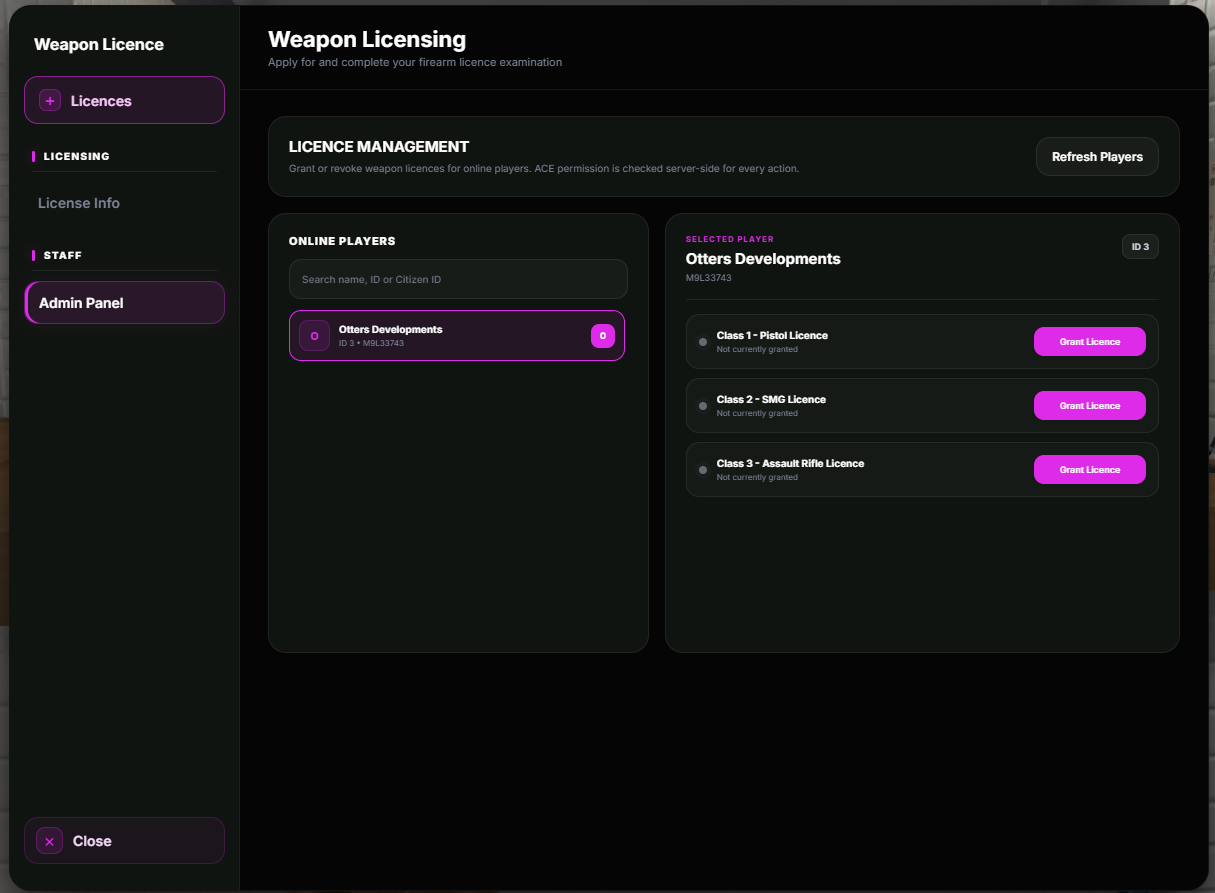
Authorised staff can manage player weapon licences directly through the built-in admin interface.
Staff can:
View Online Players • View Current Licences • Grant Licences • Revoke Licences
Licence changes are handled server-side.
When configured, granting a licence can also provide the corresponding physical licence item.
Revoking a licence can automatically remove the physical item as well.
ACE Permission Protection
Admin access is protected using FiveM ACE permissions.
The default dedicated permission is:
otters_weaponlicense.adminYou can grant this permission to your admin group:
add_ace group.admin otters_weaponlicense.admin allowThe admin panel also supports configured staff ACE groups such as:
group.admin • group.god
All important admin actions are validated server-side.
Admin Command
Authorised staff can open the Weapon Licensing Admin Panel using:
/weaponlicenseadminA permission debug command is also available for checking which ACE permissions the player currently has.
Notifications
Otters Weapon Licensing supports Otters Notifications as the primary notification system.
If Otters Notifications is unavailable, the resource can automatically fall back to ox_lib notifications.
Notification settings such as title, duration and position can be configured.
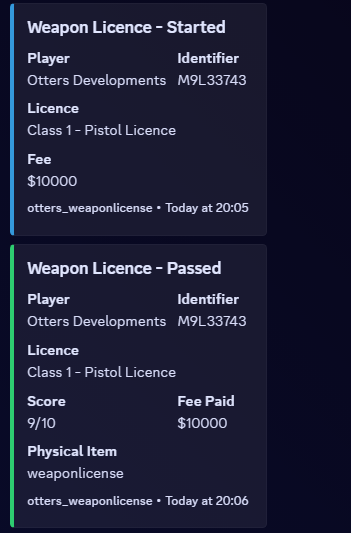
Discord Logging
Weapon licensing activity can be sent to a configured Discord webhook.
Logging can include:
Test Started • Test Passed • Test Failed • Application Denied • Licence Granted • Licence Revoked
Admin logs can also show which staff member performed the licence action.
Individual log events can be enabled or disabled through the configuration.
Multi-Framework Support
Built for:
QBCore • Qbox • ESX
Automatic framework detection can be used where supported.
Otters Weapon Licensing has been designed so server owners do not need to modify their framework to configure the licensing system.
Highly Configurable
Configure your own:
Framework • Integrations • Notifications • UI • Licensing NPCs • Target Distance • Licence Classes • Prices • Requirements • Questions • Test Settings • Criminal Record Provider • Admin Permissions • Discord Logging • Language
The included configuration makes it easy to adjust the system to match your server's laws and roleplay structure.
Asset Escrow
The core resource logic is designed for FiveM Asset Escrow.
The customer-editable files remain accessible:
shared/config.lua
html/css/theme.css
This allows server owners to configure the resource and customise the UI theme without modifying the protected runtime logic.
Documentation
Full installation instructions, configuration options and setup information:
Otters Weapon Licensing Documentation
Support
Need help, found a bug or want to keep up with future releases?
Join the Otters Developments Discord
OTTERS DEVELOPMENTS
Developed by BranTheOtter